Thursday, January 19, 2012
PTU I want Candy

Any resemblance to any other tutorial or signature is merely coincidental and is not intended.
I am using the artwork of Ismeal Rac –. You can purchase his artwork and a license to use them HERE you MUST have a license to use his work
I am using the font Candy Randy
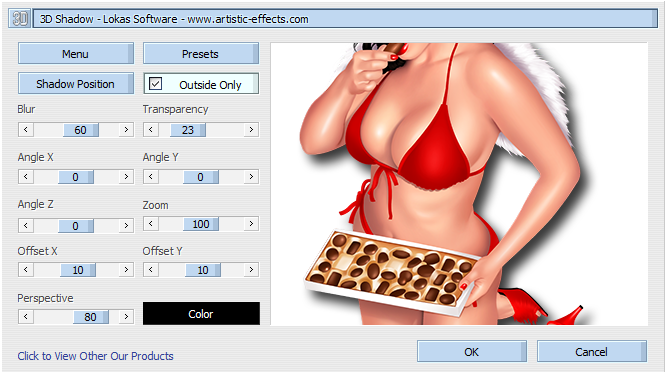
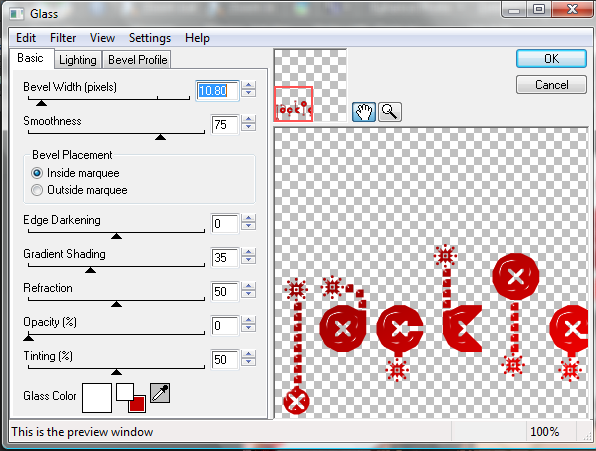
I am using plugins: Lokas 3-D, Eye Candy 3.1 Glow, Eye Candy 4000, Glass
Pieces of the kit used in this tutorial are
Paper 04
Paper 03
Frame 01
Cupcake 03
Scatter03
Scatter 04
Balloon 01
Strawberry 01
Candy 09
Cherry01
Candy05
Wordart02
You must have working knowledge of PSP to complete this tutorial. This tutorial was written using PSPXII
Open new Canvas 600*600
You must have working knowledge of PSP to complete this tutorial. This tutorial was written using PSPXII
Open new Canvas 600*600
Open paper 04 and resize to 600*600. Paste apply mask and resize to your liking, Merge Group
Open Frame 01 c/p to canvas, resize to your liking and I flipped mine vertically
Open Paper 17, resize to 600*600. Paste under your frame, using your Magic Wand, select the inside of your frame, go to Selections, Modify, Expand, 5 pixels. Select okay, invert selection and delete leaving the inside of the frame with your paper
Take your tube and paste it under the frame, I used the close up, Mirror and then duplicate. Original layer set Guassian blur to 3.0. Copy set to soft light. Drop shadow on original layer of your choice. Paste your full tube layer on top, resize and place to your liking, Apply Lokas 3-D plug in. Paste Cupcake03 behind full tube and move it so it looks like the tube is sitting on the cupcake
Scatter03, resize and paste over your mask,
Scatter04, Resize and place to your liking
Balloon resize and place to your liking, duplicate and Mirror
Strawberry01 Resize and place to your liking
Candy09, resize and place to your liking
Cherry01 Resize place to your liking
Candy05, resize and place to your liking
Wordart 02, resize and place to your liking, Eye Candy 3.1 Glow, Color fffff, pixel width 1, fat
Apply drop shadow to your taste. Mine are all 2*2’s
Resize the signature if needed
The name. Candy Randy size 3
Colors #a6ba44, Select Vector object, Expand 3, Add new Layer, Fill with fffff, Apply Eye Candy 4000 Glass
Drop Shadow to your liking
Add your copyright information and license number before save
Monday, January 9, 2012
New PTU Kit!

Available soon in stores. Denim and Lace. Perfect for Valentines.
Available at Fabulous Art Beginnings or The Psp Project
Tuesday, December 27, 2011
La Diva PTU Tut

Any resemblance to any other tutorial or signature is merely coincidental and is not intended.
I am using the artwork of Pete Tapang
I am using the artwork of Pete Tapang
I am using the font: Duchess
I am using plugins:,
Pieces of the kit used in this tutorial are
Paper 2
Glitter Paper 3
Element 28
Element 11
Element 8
Element 7
Element 12
You must have working knowledge of PSP to complete this tutorial. This tutorial was written using PSPXII
Open new Canvas 600*600
You must have working knowledge of PSP to complete this tutorial. This tutorial was written using PSPXII
Open new Canvas 600*600
Open Paper 2 and resize to 600*600. Paste apply mask and resize to your liking, Merge Group,
Open Element 28 c/p to canvas, resize to your liking.
Open Glitter paper 3, resize to 600*600. Paste under your frame, using your Magic Wand, select the inside of your frame, go to Selections, Modify, Expand, 3 pixels. Select okay, invert selection and delete leaving the inside of the frame with your paper.
Take your tube and paste it on top of the frame. Use the wand to select the outside of Element28, and erase the bits of the tube so it looks like she’s over the frame. Apply Lokas 3D effect
Element 11, resize and place to your liking
Element 8, resize and place to your liking
Element 7 resize and place to your liking
Element 12, resize and place to your liking
Apply drop shadow to your taste. Mine are all 2*2’s
Resize the signature if needed
The name. Using Duchess Size 24
Drop Shadow to your liking
Add your copyright information and license number before save
New FTU Kit Golden Nights

Any resemblance to any other tutorial or signature is merely coincidental and is not intended.
I am using the artwork of Tony Tzanoukakis You can purchase his artwork and a license to use them HERE you MUST have a license to her her work
I am using the artwork of Tony Tzanoukakis You can purchase his artwork and a license to use them HERE you MUST have a license to her her work
I am using the font: Ali Baba
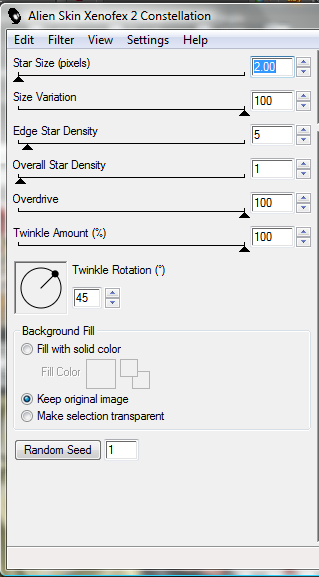
I am using plugins:, Lokas 3-D Shadow, Eye Candy 4.0, Xenofex Constellation
I am using New Years 2012 Mask 1 from Cookies Kreative Corner you can get that here
Pieces of the kit used in this tutorial are
PP4
PP8
Rectangle Frame
Heart Scatter
Clock
Hanging Heart Dangly
Sequined Bowtie
Flower Swag
Fancy Mask
Bottle
Glass
You must have working knowledge of PSP to complete this tutorial. This tutorial was written using PSPXII
Open new Canvas 600*600
Open PP4 and resize to 600*600. Paste apply mask and resize to your liking, Merge Group,
Open Rectangle Frame c/p to canvas, resize to your liking.
Open PP8, resize to 600*600. Paste under your frame, using your Magic Wand, select the inside of your frame, go to Selections, Modify, Expand, 3 pixels. Select okay, invert selection and delete leaving the inside of the frame with your paper.
Use the close up of your tube, pasted under the frame, use wand to select the outside of PP8, invert and delete the bits of the tube you don’t’ want. Apply Luminance legacy. Drop shadow.
Use the full tube, paste and place to your liking, apply Lokas 3-D shadow
Heart Scatter, resize, and place to your liking
Clock, resize to your liking and place
Hanging Heart Dangly resize and place to your liking
Sequined Bowtie resize and place to your liking, over the top of the dangly
Flower Swag, resize and place to your liking
Fancy Mask, resize and place to your liking
Bottle, resize and place to your liking
Glass resize, and place to your liking
Apply drop shadow to your taste. Mine are all 2*2’s
Resize the signature if needed
The name. Using Ali Baba size 26, Apply Eye Candy 4.0, Chrome, Bronze. Xenofex, Constellation
Drop Shadow to your liking
Add your copyright information and license number before save
Thursday, December 15, 2011
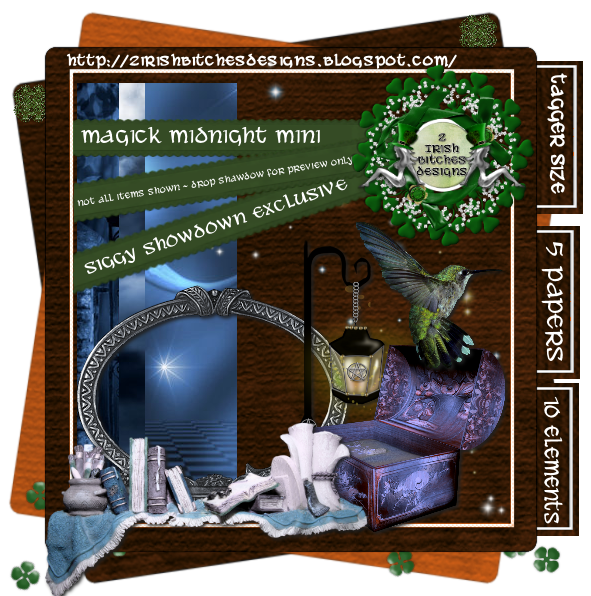
FAB December Blog Train
Tuesday, November 29, 2011
PTU Emerald Princess Tut

Any resemblance to any other tutorial or signature is merely coincidental and is not intended.
I am using the artwork of FallnAngel–. You can purchase her artwork and a license to use them HERE you MUST have a license to use her work
I am using the artwork of FallnAngel–. You can purchase her artwork and a license to use them HERE you MUST have a license to use her work
I am using the font: Witched
I am using plugins: Alien Eye Candy 3.1 - Glow
I am using Mask #82 from Designs by Vaybs, you can get that here
Pieces of the kit used in this tutorial are
Paper 4
Paper 11
Frame 8
Wands
Sparkles
Ring
Pendant
Bow 2
Dot Swirls 1
You must have working knowledge of PSP to complete this tutorial. This tutorial was written using PSPXII
Open new Canvas 600*600
You must have working knowledge of PSP to complete this tutorial. This tutorial was written using PSPXII
Open new Canvas 600*600
Open paper 4 and resize to 600*600. Paste apply mask and resize to your liking, Merge Group
Open Element 20 c/p to canvas, resize to your liking
Open frame 8, paste, resize to your liking
Open Paper 11, resize to 600*600. Paste under your frame, using your Magic Wand, select the inside of your frame, go to Selections,Modify, Expand, 5 pixels. Select okay, invert selection and delete leaving the inside of the frame with your paper
Take your tube and paste it under the frame, Resize to your liking, select the paper layer with your magic wand, activate your tube layer, delete the bits you don’t want. Apply Luminace Legacy
Paste your full tube layer on top, resize and place to your liking,
Wands, resize and place under the inner tube layers
Sparkles, Resize and Over the top of the frame
Ring , resize and place to your liking
Pendant, Resize and place to your liking
Bow 2, resize and place over the top of the Pendant clasp
Dot Swirls 1, resize and place under the main tube layer
Apply drop shadow to your taste. Mine are all 2*2’s
Resize the signature if needed
The name. Using the Witched size 48 Colors #10270a,Eye Candy 3.1 Glow 5 pixel, fat setting color # #ddd7d9
Drop Shadow to your liking
Add your copyright information and license number before save
FTU Christmas Joy Tut
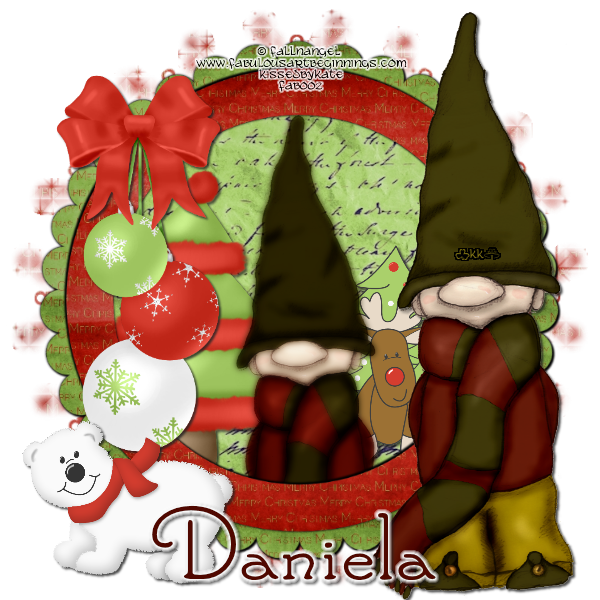
Any resemblance to any other tutorial or signature is merely coincidental and is not intended.
I am using the artwork of FallnAngel–. You can purchase her artwork and a license to use them HERE you MUST have a license to use her work
I am using the artwork of FallnAngel–. You can purchase her artwork and a license to use them HERE you MUST have a license to use her work
I am using the font: Santa’s Sleigh Full
I am using plugins: Alien Eye Candy 3.1
I am using Daniela’s FTU kit Christmas Joy, which you can download here
Pieces of the kit used in this tutorial are
Paper 2
Paper 8
Frame 4
Element 27
Element 24
Element 22
Element 18
You must have working knowledge of PSP to complete this tutorial. This tutorial was written using PSPXII
Open new Canvas 600*600
Open paper 72 and resize to 600*600. Paste apply mask and resize to your liking, Merge Group
Open Element 20 c/p to canvas, resize to your liking
Open frame4, paste, resize to your liking
Open Paper 8, resize to 600*600. Paste under your frame, using your Magic Wand, select the inside of your frame, go to Selections,Modify, Expand, 5 pixels. Select okay, invert selection and delete leaving the inside of the frame with your paper
Take your tube and paste it under the frame, Resize to your liking, select the paper layer with your magic wand, activate your tube layer, delete the bits you don’t want. Duplicate, original layer apply Guassian Blur set on 3, drop shadow. Duplicate layer set on soft light
Paste your full tube layer on top, resize and place to your liking,
Element 27, resize and place under the inner tube layers
Element 24, Resize and place to your liking
Element 22, , resize and place to your liking
Element 18, Resize and place to your liking
Apply drop shadow to your taste. Mine are all 2*2’s
Resize the signature if needed
The name. Using the Santa’s Sleigh Full size 24 Colors #500800, Candy 3.1 Glow 5 pixel, fat setting color #FFFFF
Drop Shadow to your liking
Add your copyright information and license number before save
Friday, November 25, 2011
PTU Hot Cop TUT
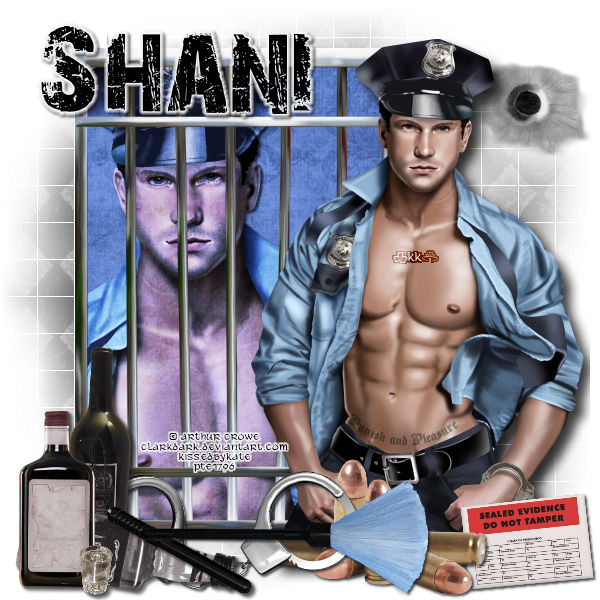
Any resemblance to any other tutorial or signature is merely coincidental and is not intended.
I am using the artwork of Arthur Crowe You can purchase his artwork and a license to use them HERE you MUST have a license to her her work
I am using the artwork of Arthur Crowe You can purchase his artwork and a license to use them HERE you MUST have a license to her her work
I am using the font: 28 Days Later
I am using plugins: Lokas 3-D
Pieces of the kit used in this tutorial are
PP8
PP9
Jaildoor
Bullet hole Spray
Bullets
Evidence label 2
Alcohol
Baton 2
Cuffs1
Brush
You must have working knowledge of PSP to complete this tutorial. This tutorial was written using PSPXII
Open new Canvas 600*600
Open new Canvas 600*600
Open PP8 and resize to 600*600. Paste apply mask and resize to your liking, Merge Group,
Open Jaildoor c/p to canvas, resize to your liking.
Open PP9, resize to 600*600. Paste under the jail door, use your selection tool and go around the outside of the bars, invert selection and delete leaving the inside of the door with your paper.
Take the close up of the tube and put it under the jail door. Use the wand to select the outside of PP9, Invert, Delete, apply Hard Light. Take the full tube and paste it and move it to the right side of the siggy, apply Lokas 3-D
Bullet Hole Spray, resize to your liking and place on top of Mask
Bullets, Resize and set over the bottom of your tube
Evidence label Two, Resize and rotate to your liking, place under bullets to the Right
Alcohol, resize and place on the left side over the jail door
Baton 2, flip, resize and place over the alcohol bottles
Cuffs 1 Resize and place behind the Alcohol bottles
Brush, Resize and place on top of the other elements
Apply drop shadow to your taste. Mine are all 2*2’s
Resize the signature if needed
The name. 28 Days Later size 28 Color #000000, apply Eye Candy 3.1 Glow color FFFFF, Fat, Pixels 3
Drop Shadow to your liking
Add your copyright information and license number before save
Wednesday, November 16, 2011
Tag Showoff featuring Pointsetta Magick

Tuesday, November 15, 2011
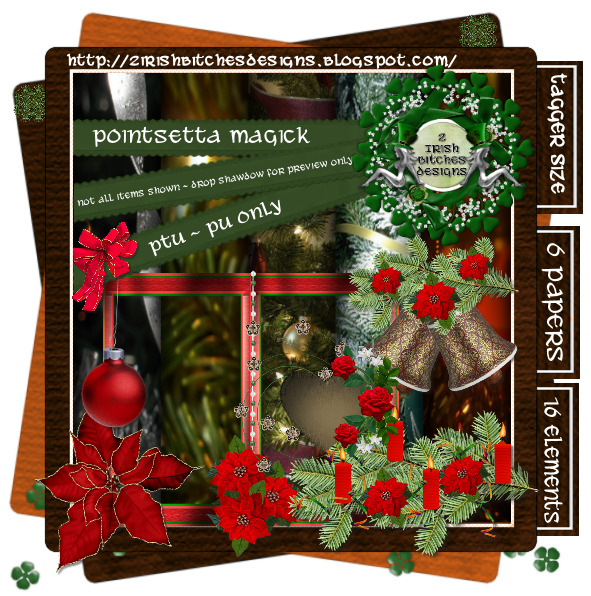
New PTU Kit - Pointsetta Magick
Subscribe to:
Posts
(Atom)
MY BLINKIE

Facebook Me

Stores I Sell In


Who I CT For

 "
"

CU Licenses


